
102 - Logging Into OnDemand and SSH
Made by CS 8803 MGT & Leadership GT with Scribe
Learn how to connect to the PACE ICE high-performance computing environment through GlobalProtect and Open OnDemand. This guide walks you through authenticating your connection and accessing the web-based portal to manage your computational jobs.
VPN Connection
1. Open GlobalProtect from the menu bar.

2. Click “Connect”.

3. Enter your password in GlobalProtect.


4. Click “Connect” again to establish the VPN connection.

Server Access via Terminal
5. Search for “Terminal” and open the application.

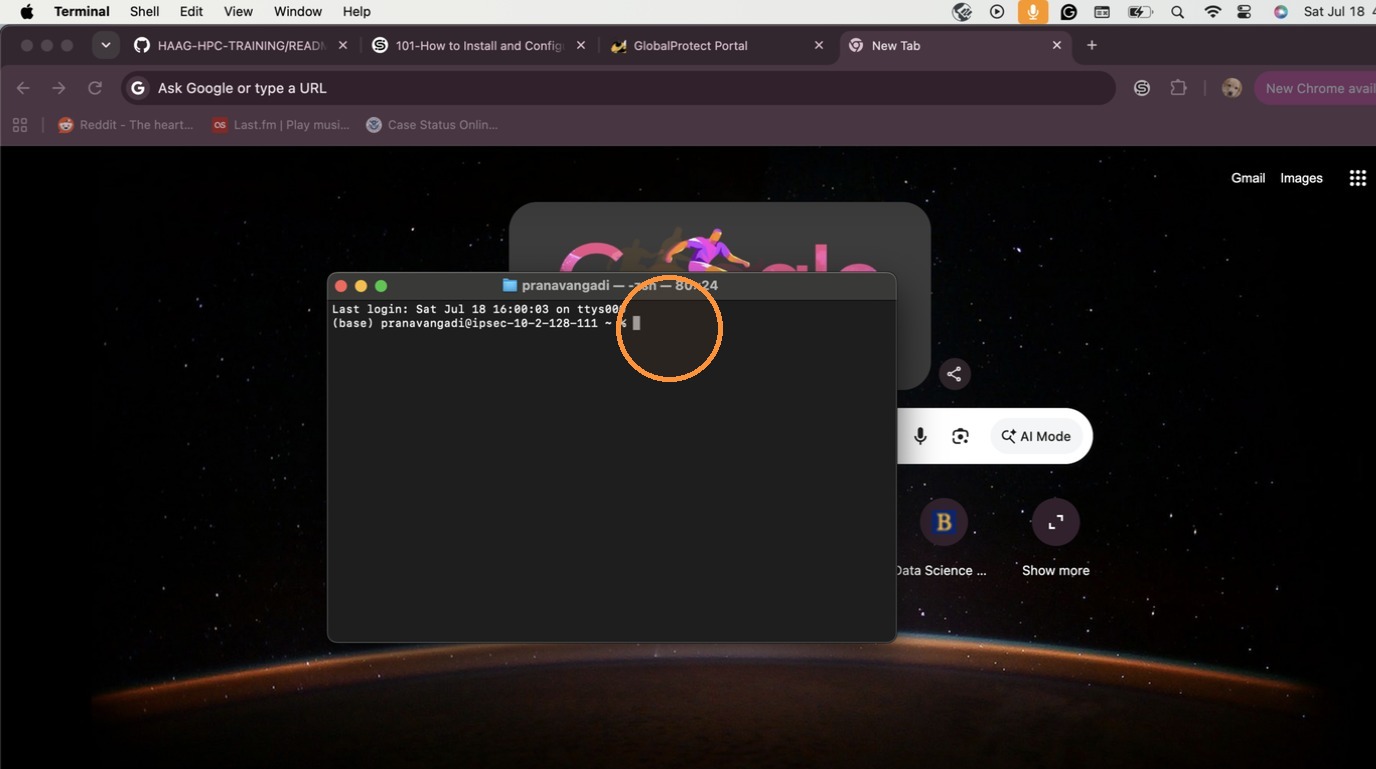
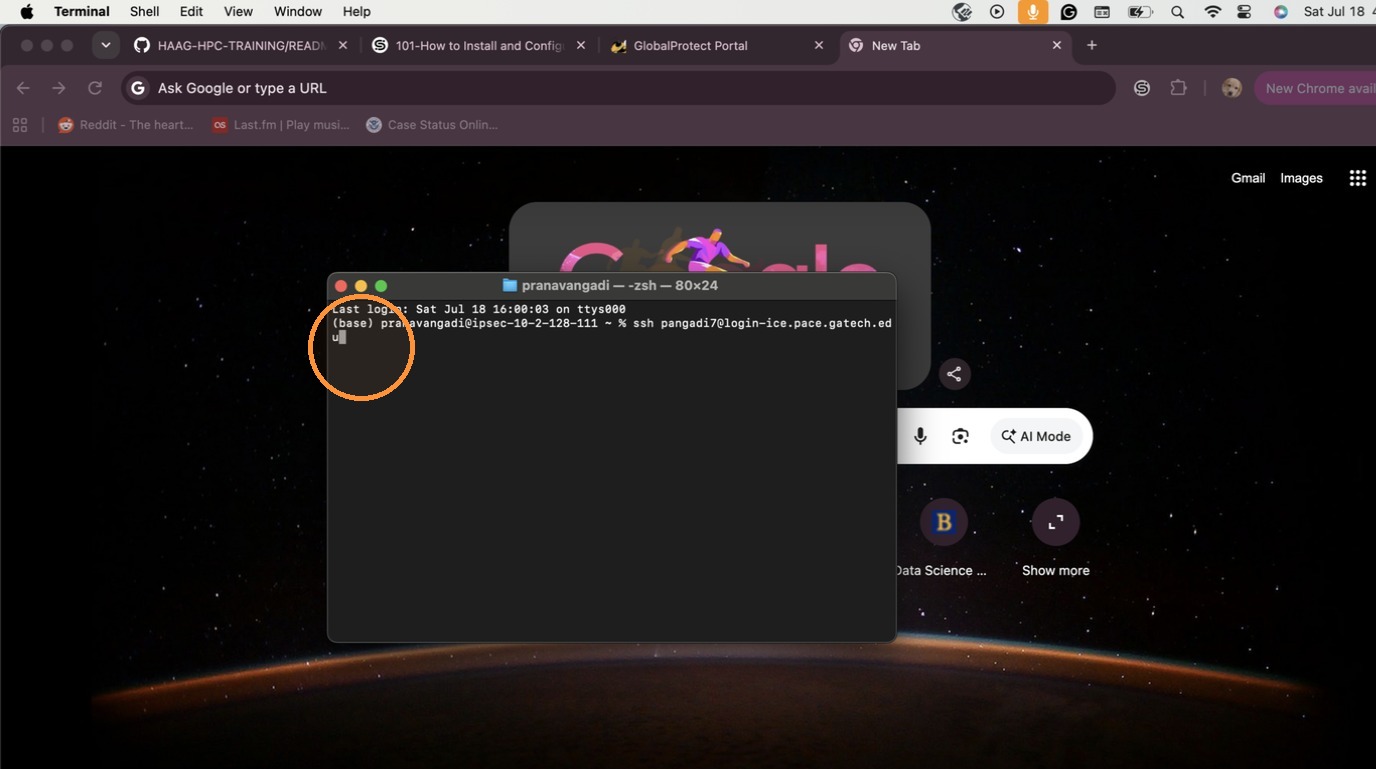
6. Type the SSH command: ssh username@login-ice.pace.gatech.edu and press Enter.
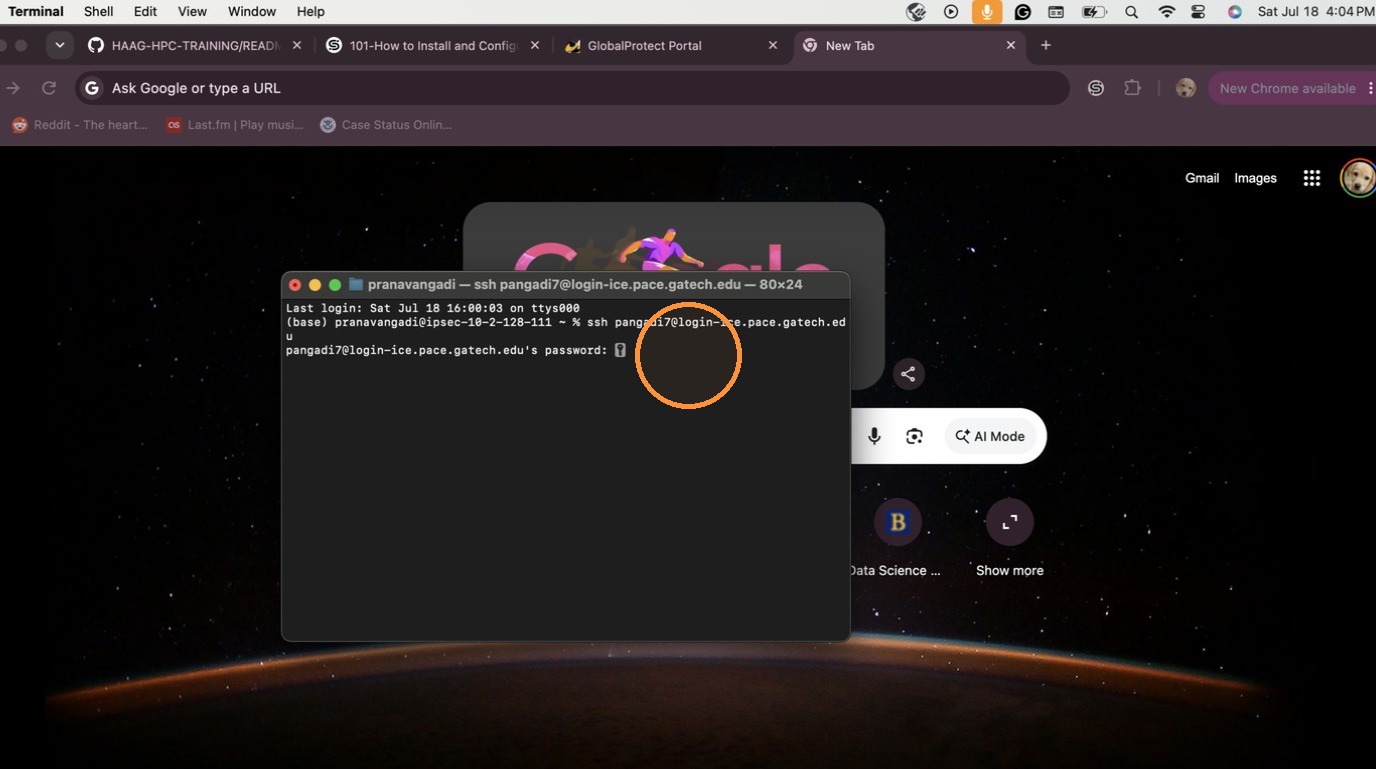
7. Type your password in the terminal window when prompted. Note: The password should be identical to your Buzzport password.
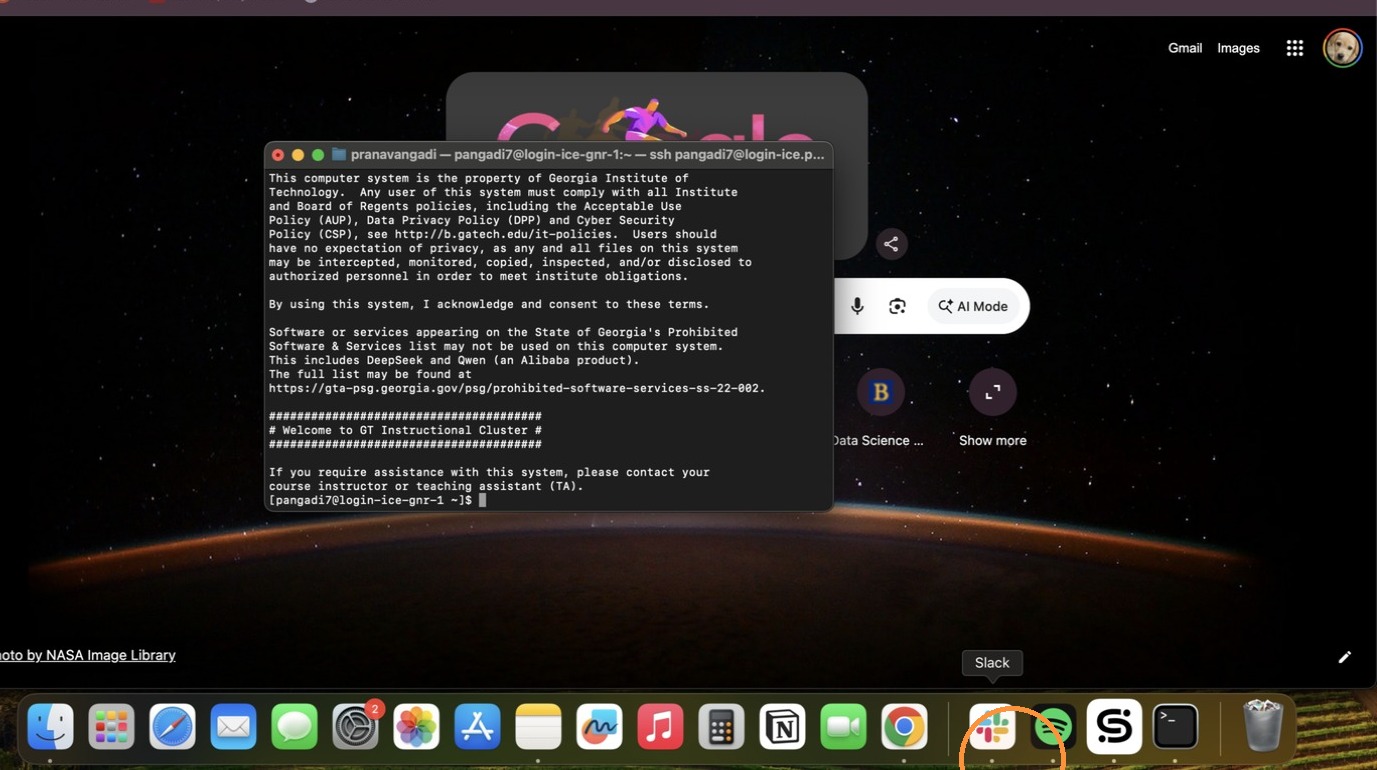
8. If you are successful, it should populate like so!
OnDemand Portal Navigation
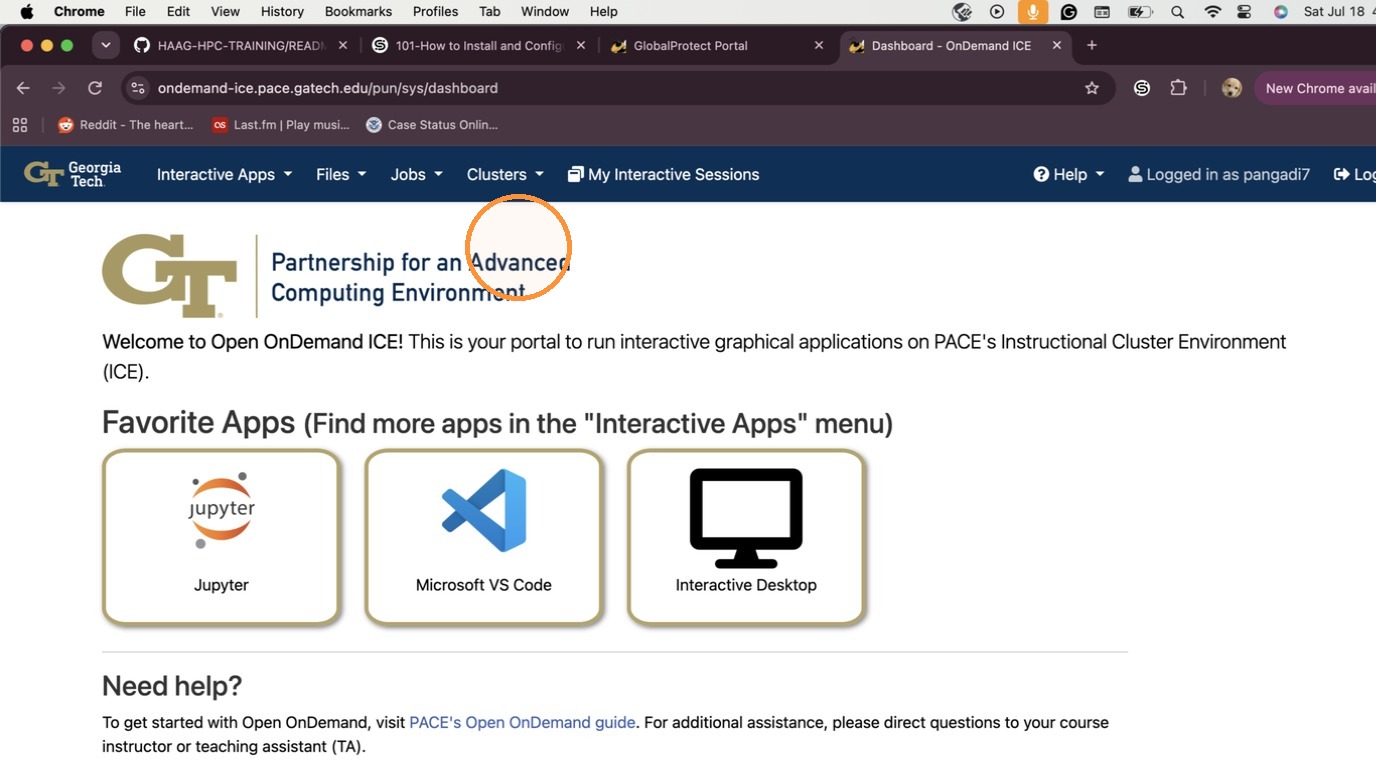
9. To create Jobs and use GUI services, connect via https://ondemand-
ice.pace.gatech.edu/ in your browser.
Tip: See the following link for more details on OnDemand and links to other compute
clusters: https://gatech.service-now.com/home?id=kb_article_view&sysparm_article=KB0042133